Requirements
- VPS
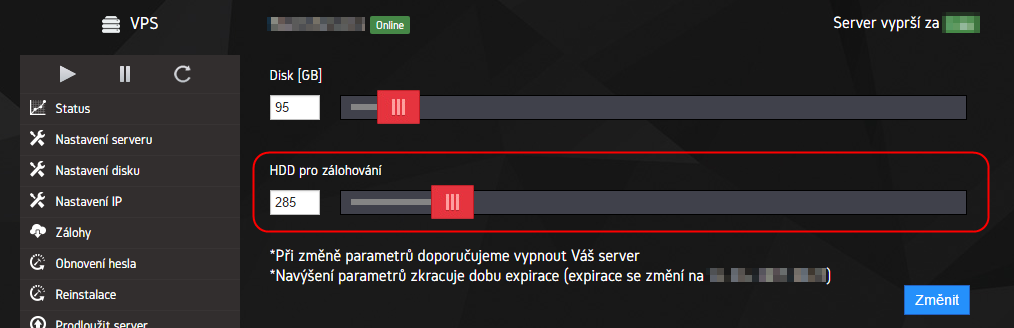
- Backup disk
Connection
- First of all, you need to check for the backup disk, whether it is connected to the server or not using command:
fdisk -l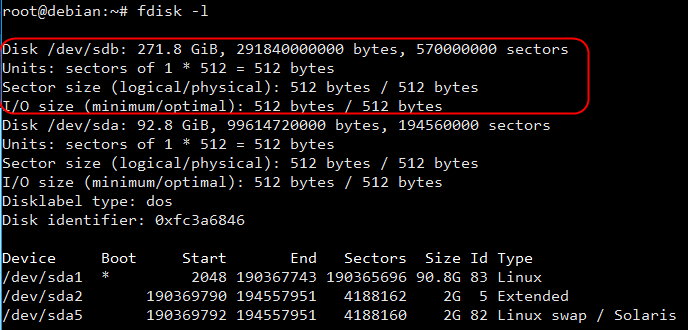
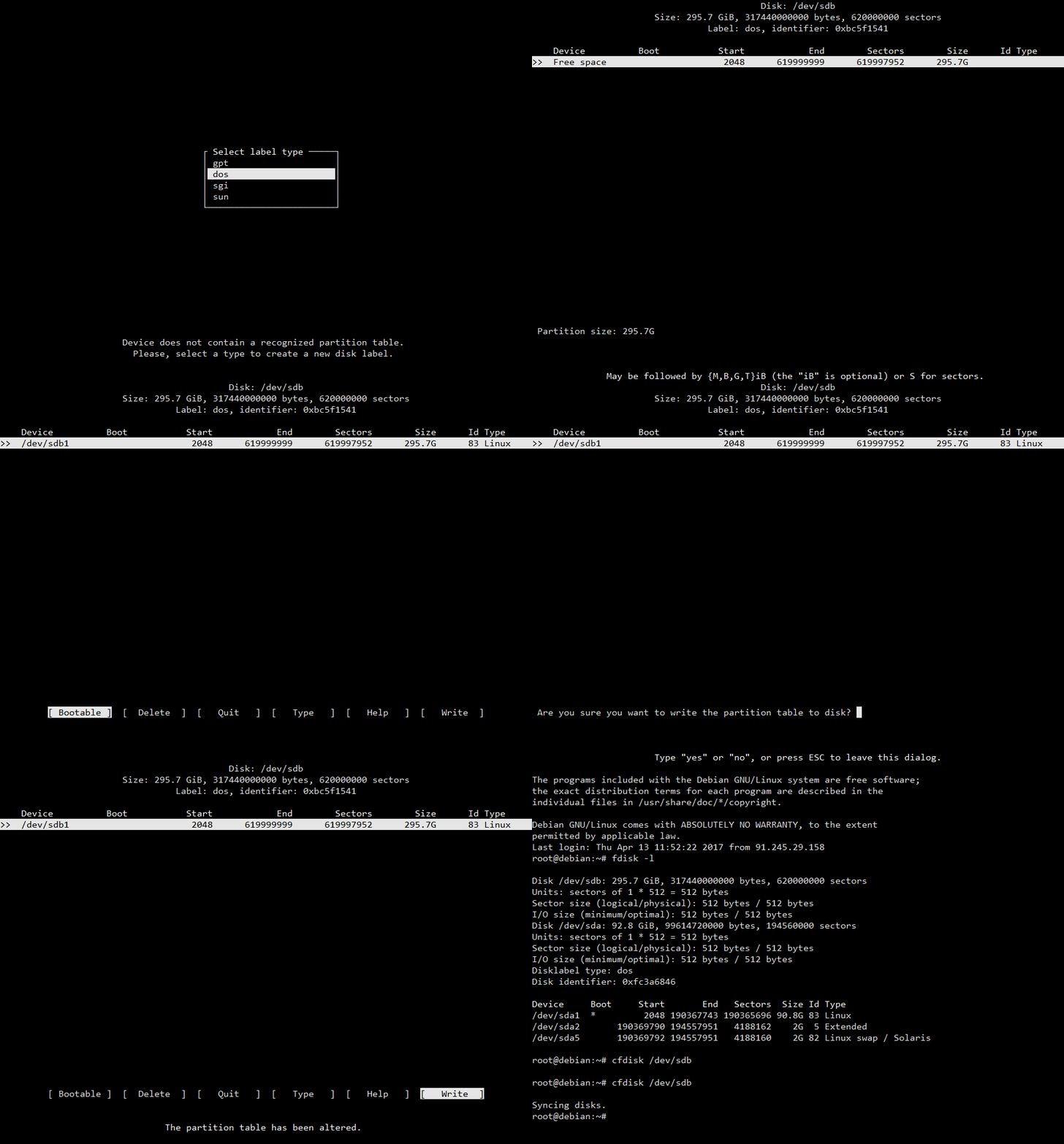
- We will split and format the disk using:
cfdisk /dev/sdb - After the command is sent, we will continue according to this gif:
- We will format the disk to EXT3 filesystem using:
mkfs.ext3 /dev/sdb– on any question, we will sendy - We will create a folder, where will the backup disk be connected:
mkdir /backup - Afterwards, the connection will be created using this command:
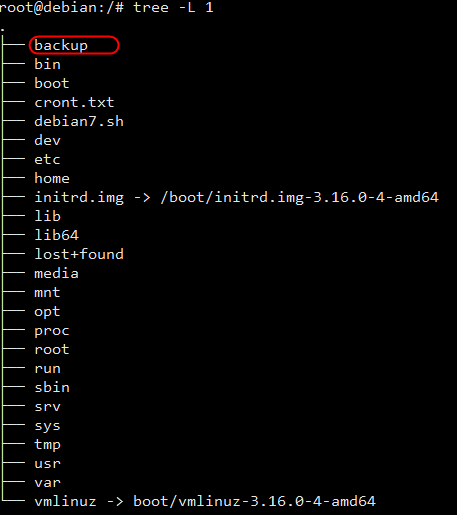
mount /dev/sdb /backup - Backup disk should be now connected and visible in the root folder: