TeamSpeak – Enabling the “Advanced Permission System”
Requirements
Procedure
- Open the TeamSpeak program
- Click “Tools,” then “Options.”
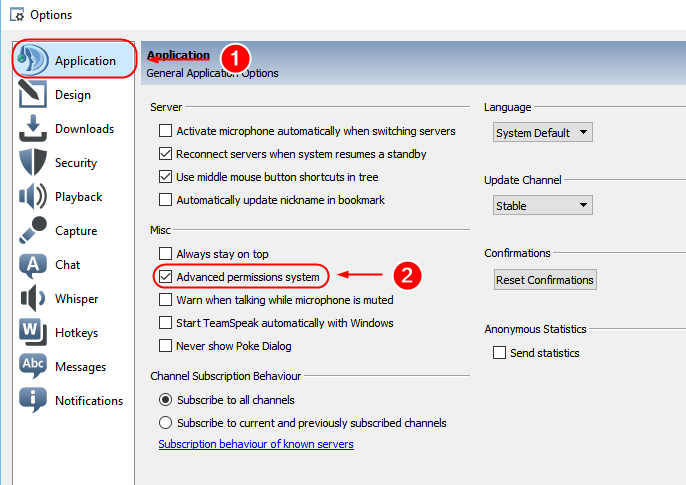
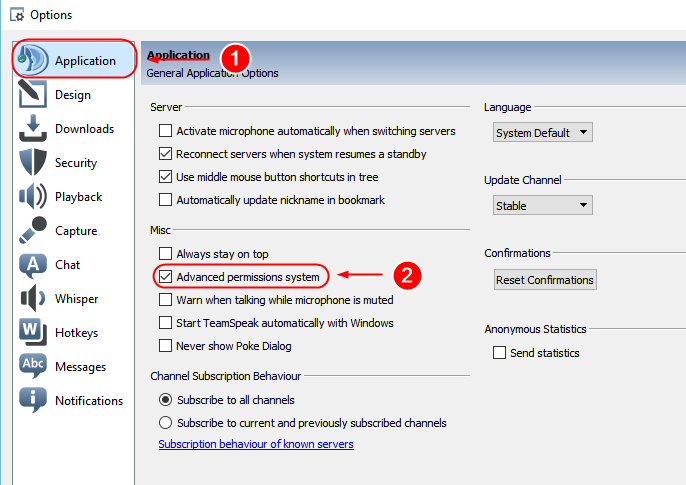
- Now select the “Application” item, where you’ll find the “Advanced Permission System” field—see the screenshot:
- Confirm the option by pressing “OK”